Setup Support Menu

TotalAV Setup

Where Are My Paid Features?

It looks like you might have downloaded the free version of TotalAV by mistake. Don’t worry, if you have a paid subscription, all you need to do is log in to unlock your premium features.

Open TotalAV

My Account Area

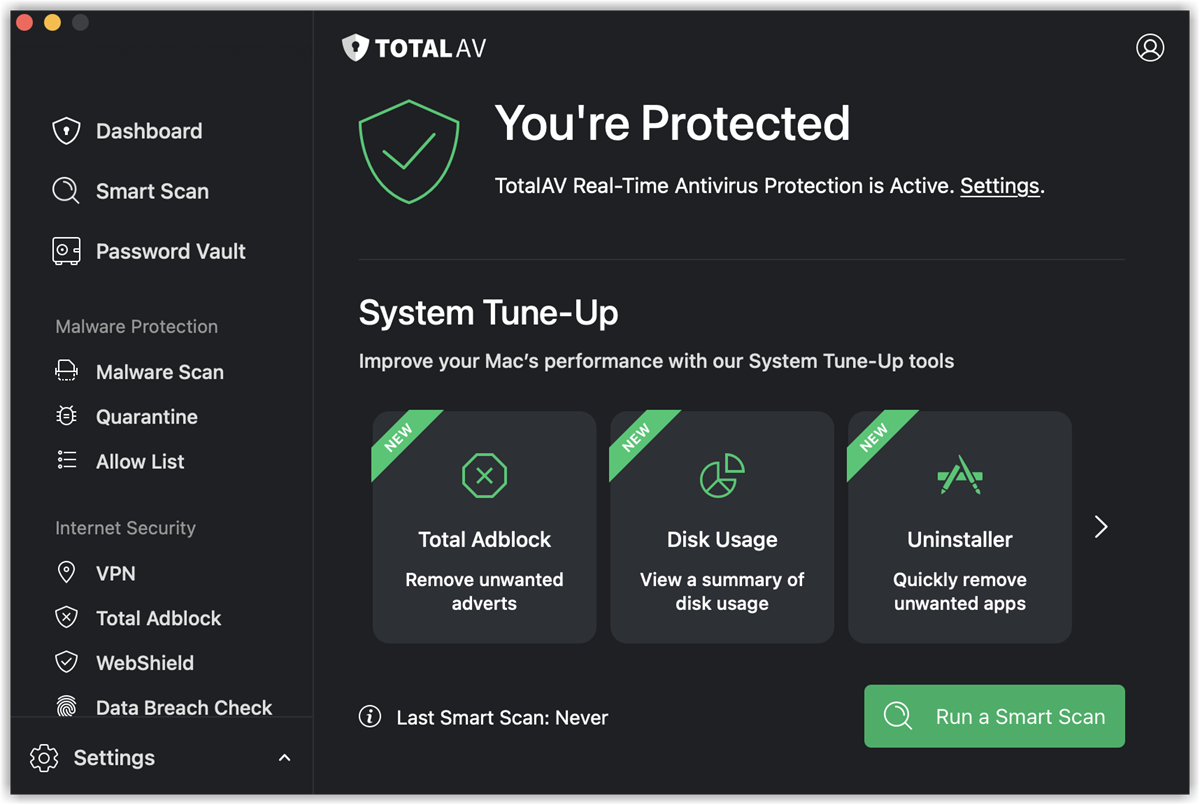
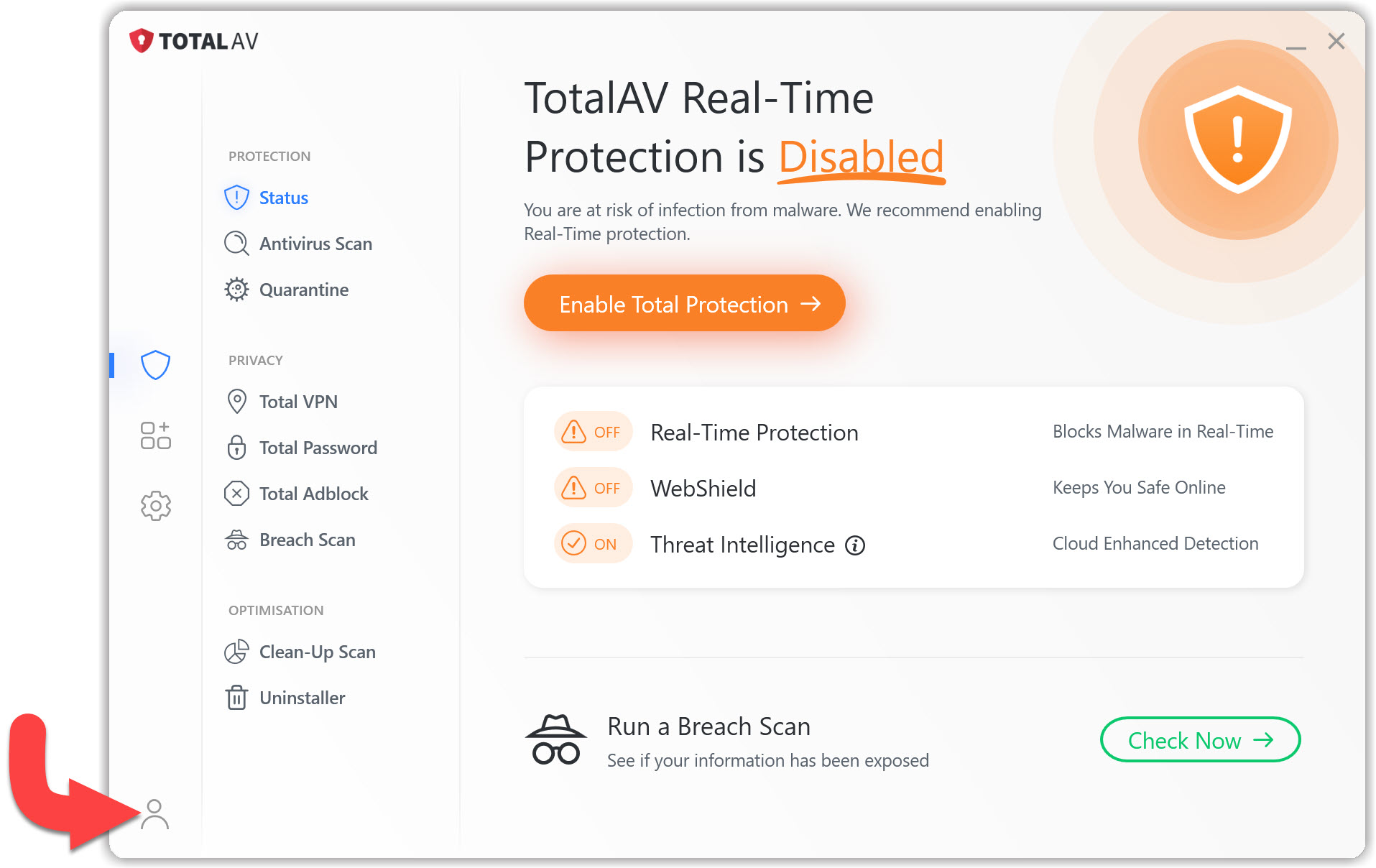
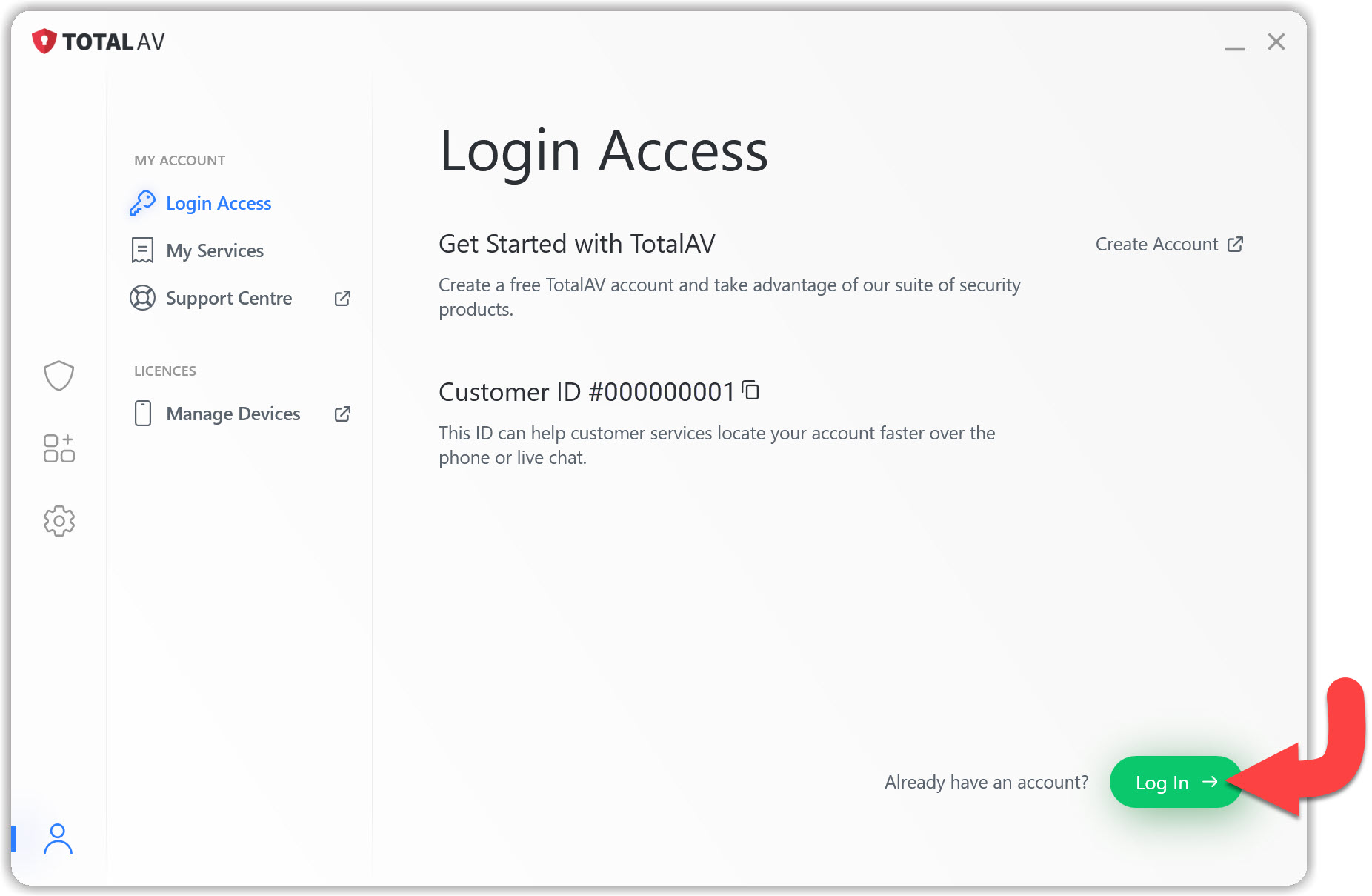
Go to the bottom left of the TotalAV application, and click on the My Account icon.
Login Access

Go To Login Access and click Log In.
Activate TotalAV

Enter your Login Details and you will be able to access your Premium Features.
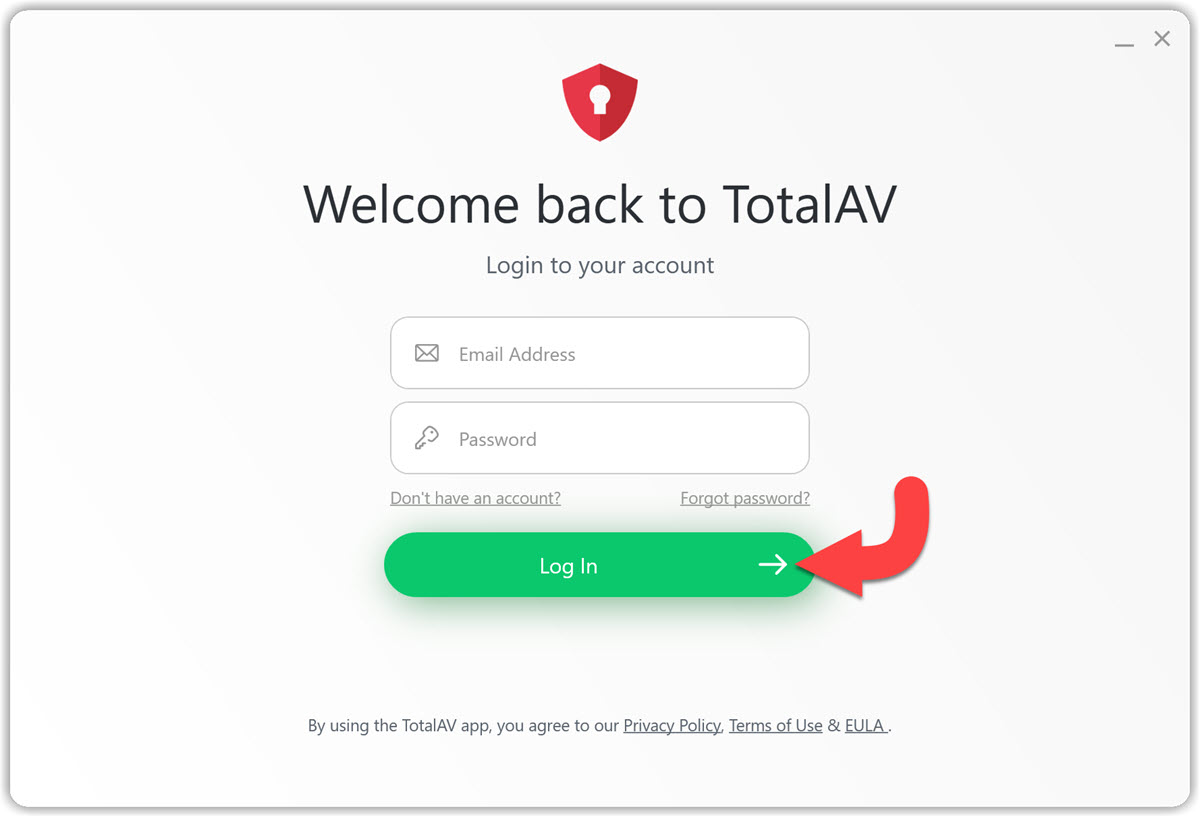
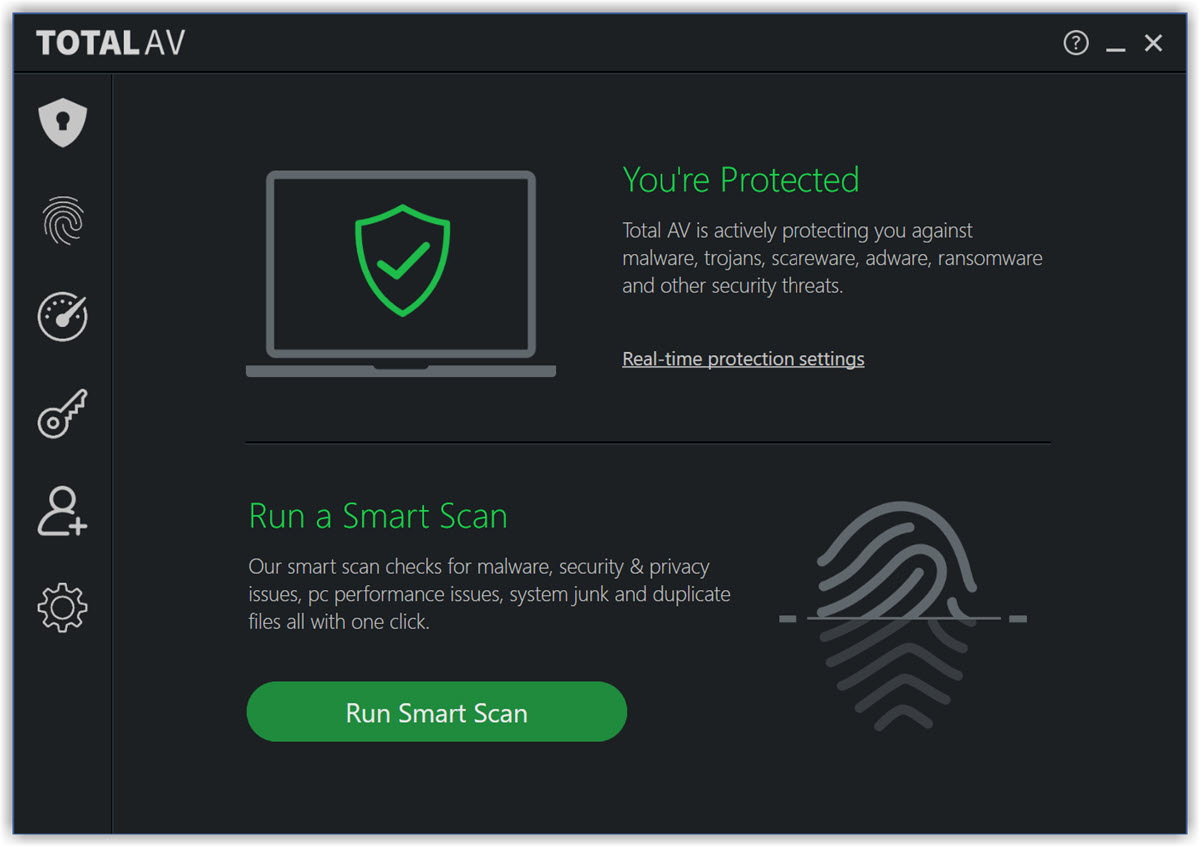
TotalAV Protection Enabled!

If you are experiencing issues in enabling Real-Time Protection, please head over to our troubleshooting Real-Time Protection article here.
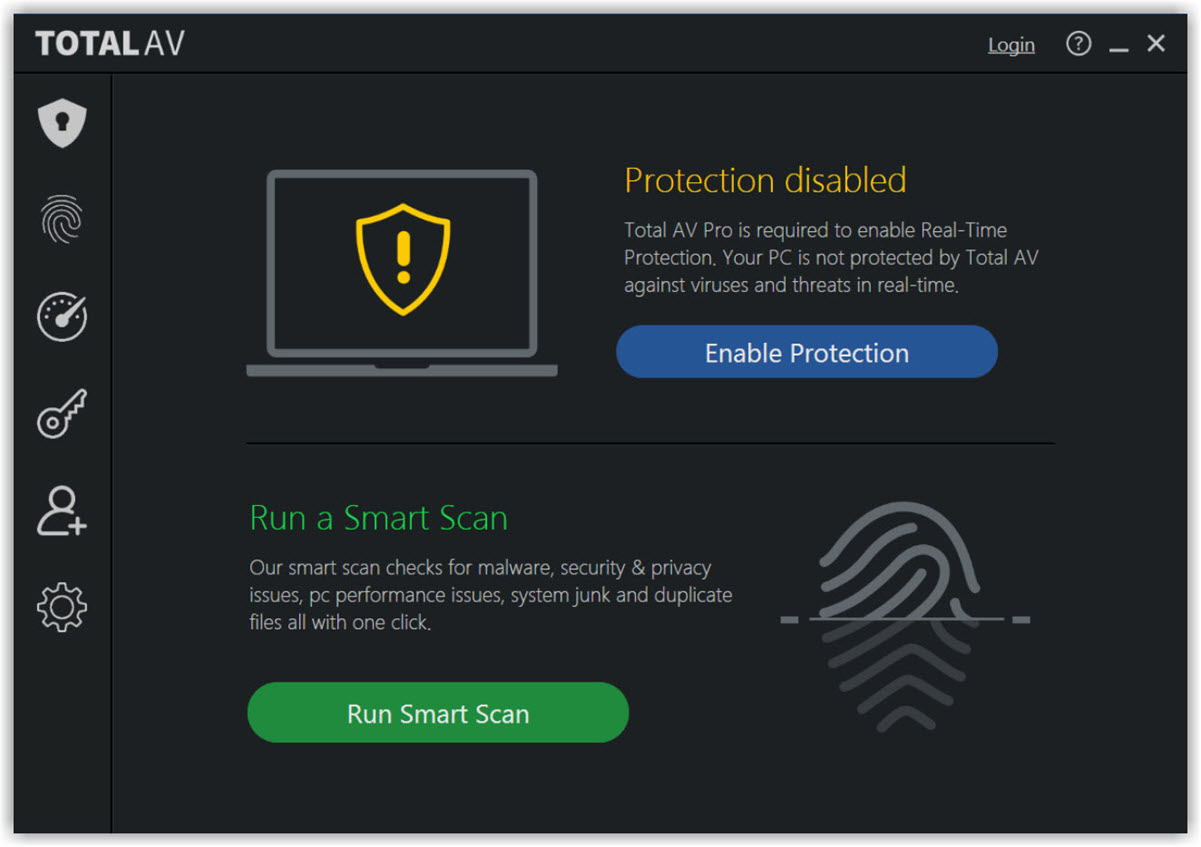
Open TotalAV

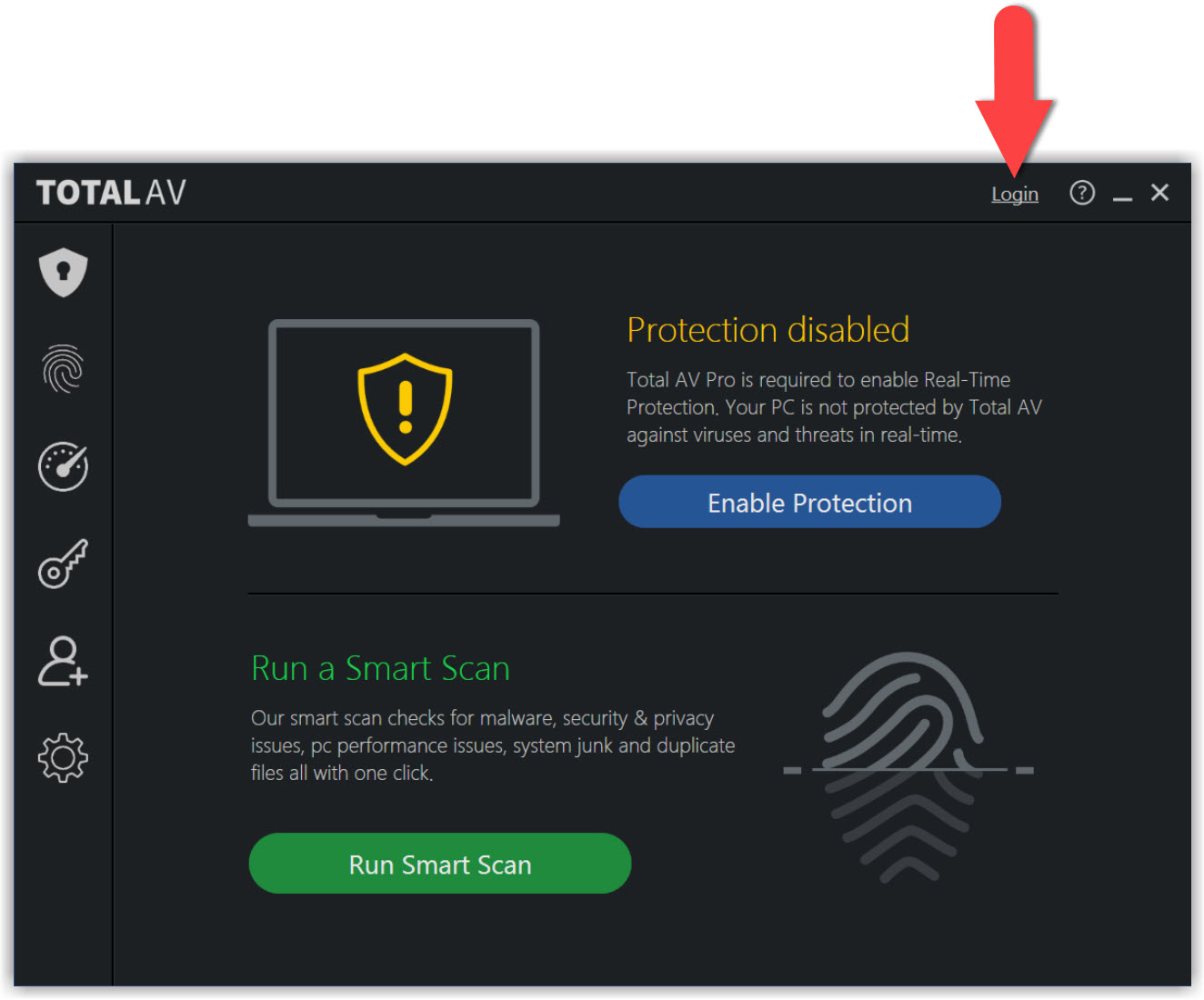
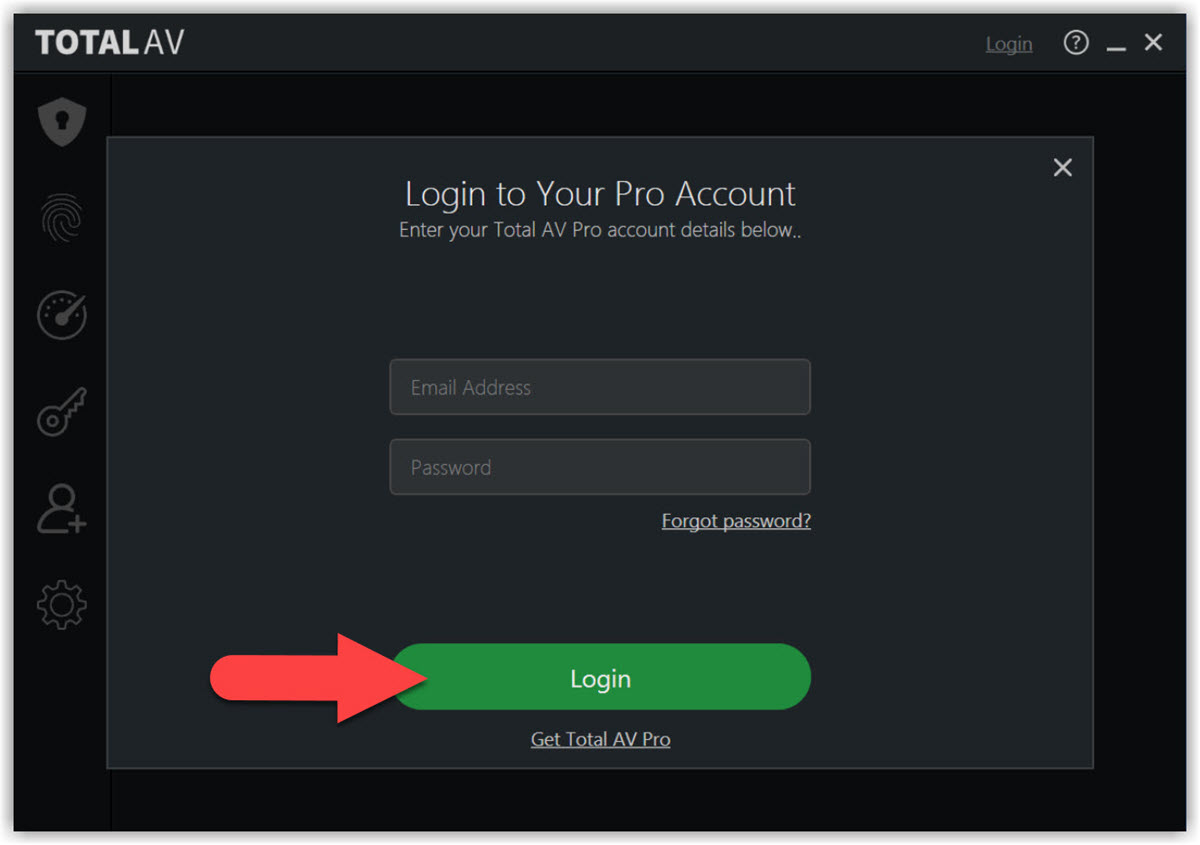
Go to Login

Click on Login in the top right-hand corner of the TotalAV app.

Login

Enter your User Login details, and click Login.

TotalAV Protection Enabled!

If you are experiencing issues in enabling Real-Time Protection, please head over to our troubleshooting Real-Time Protection article here.
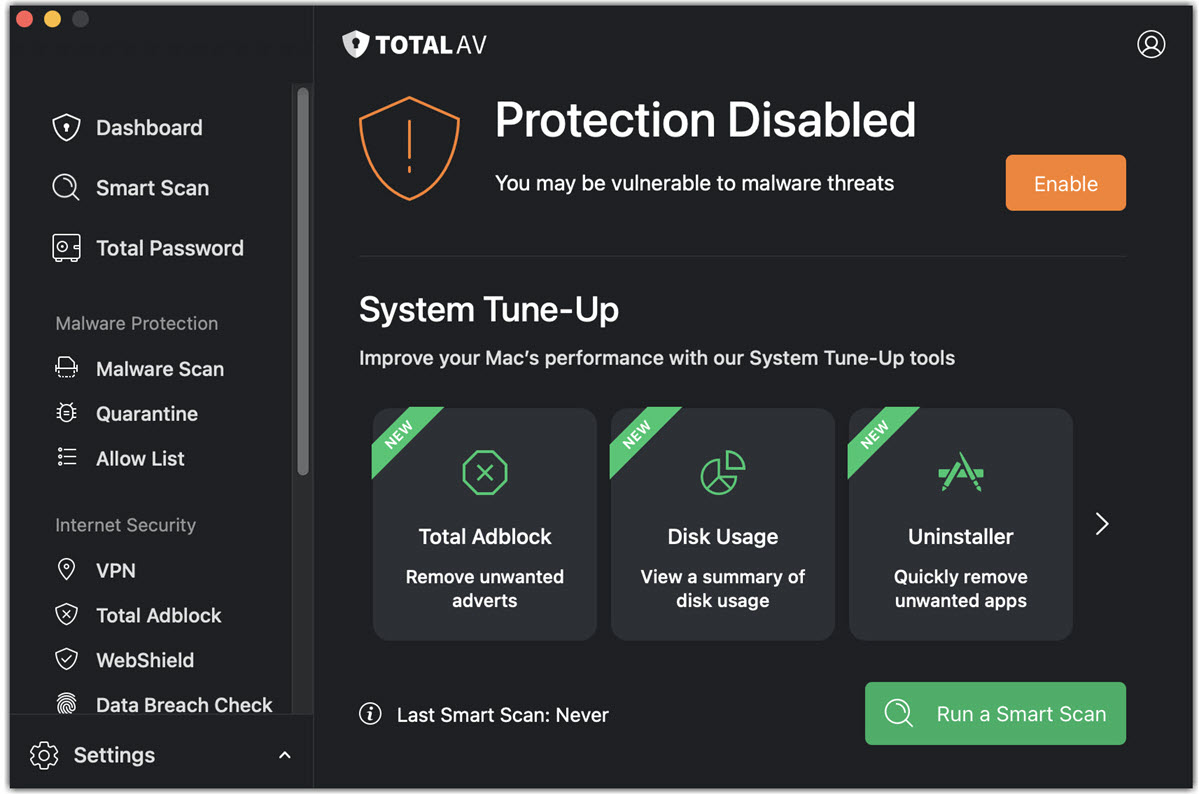
Open TotalAV

Open TotalAV.

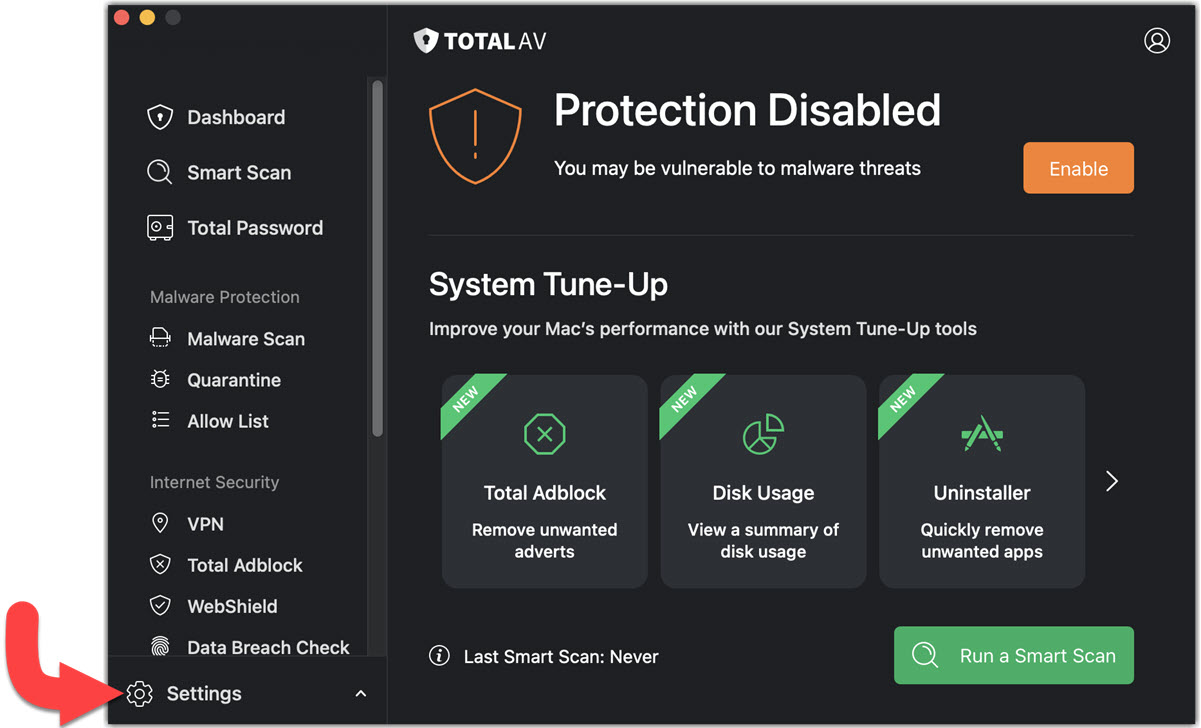
Find General Settings

Click on the Settings icon in the bottom left corner of TotalAV.

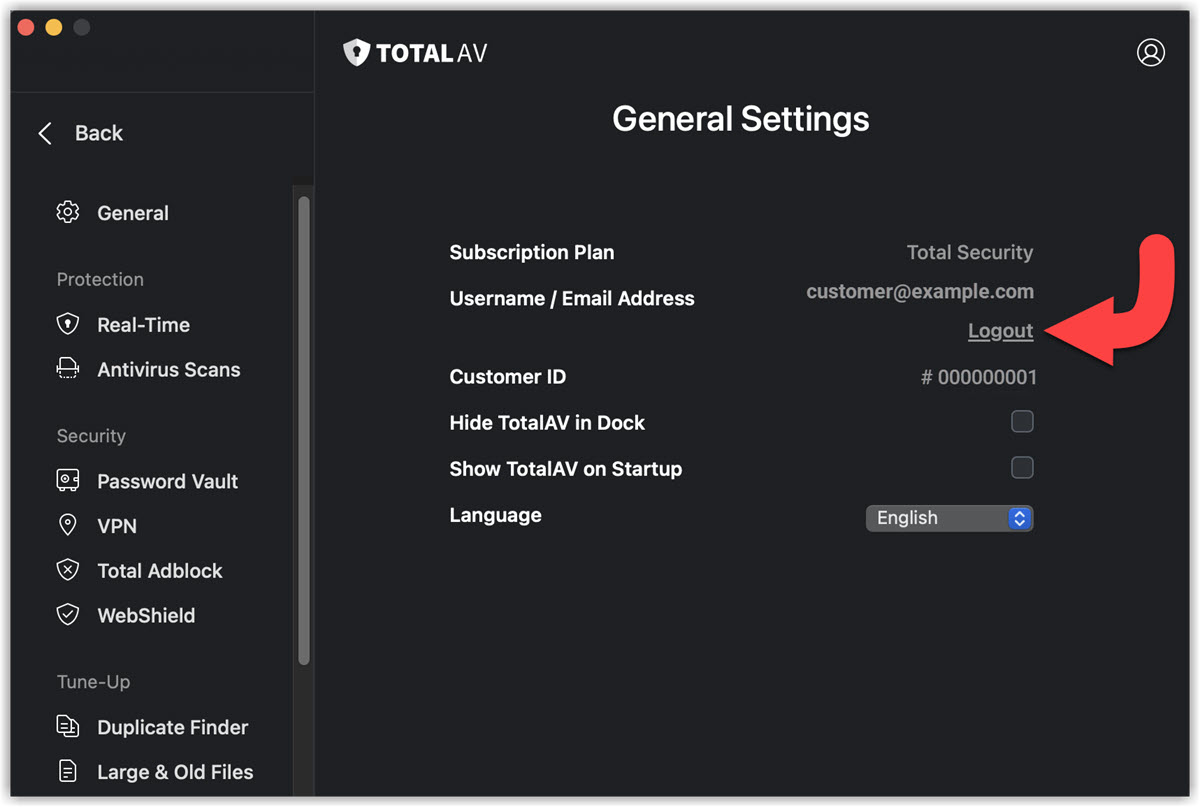
Logout

Click on the Logout button, in the General Settings menu of TotalAV.

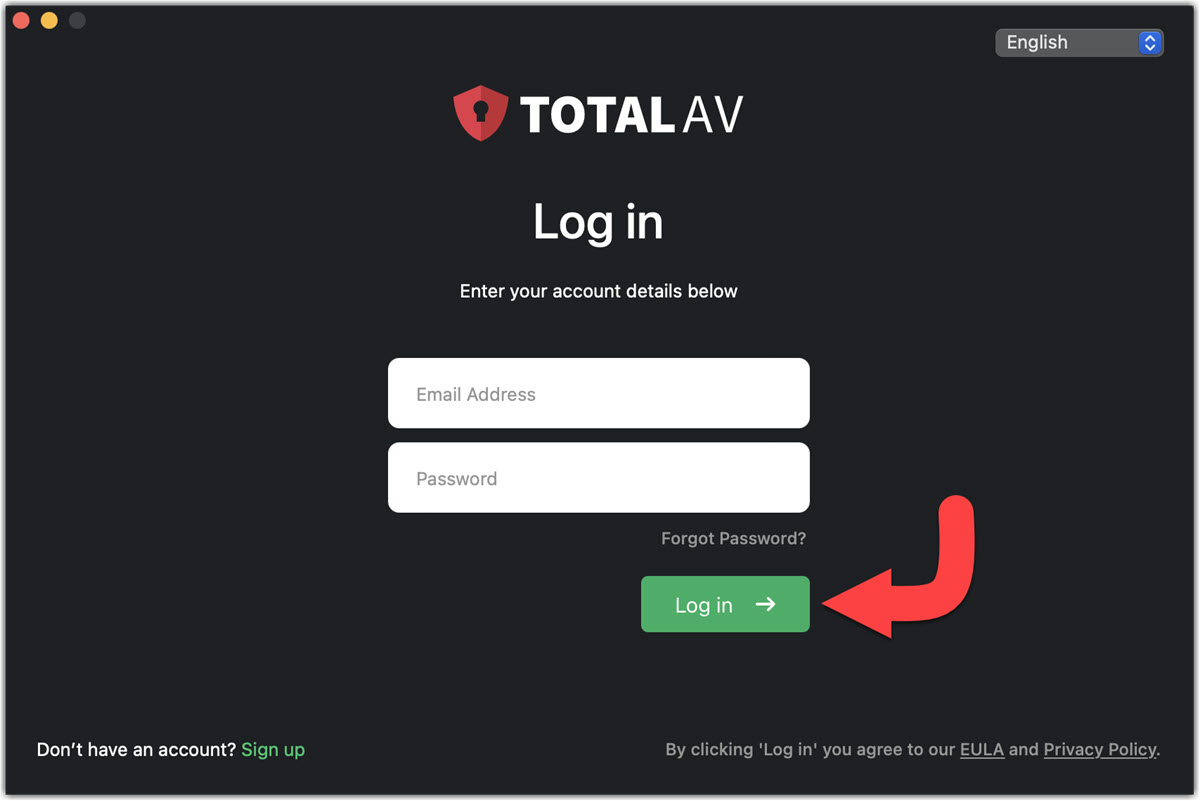
Login

Enter your User Login details, and click Log in.

TotalAV Protection Enabled!

If you are experiencing issues in enabling Real-Time Protection, please head over to our troubleshooting Real-Time Protection article here.
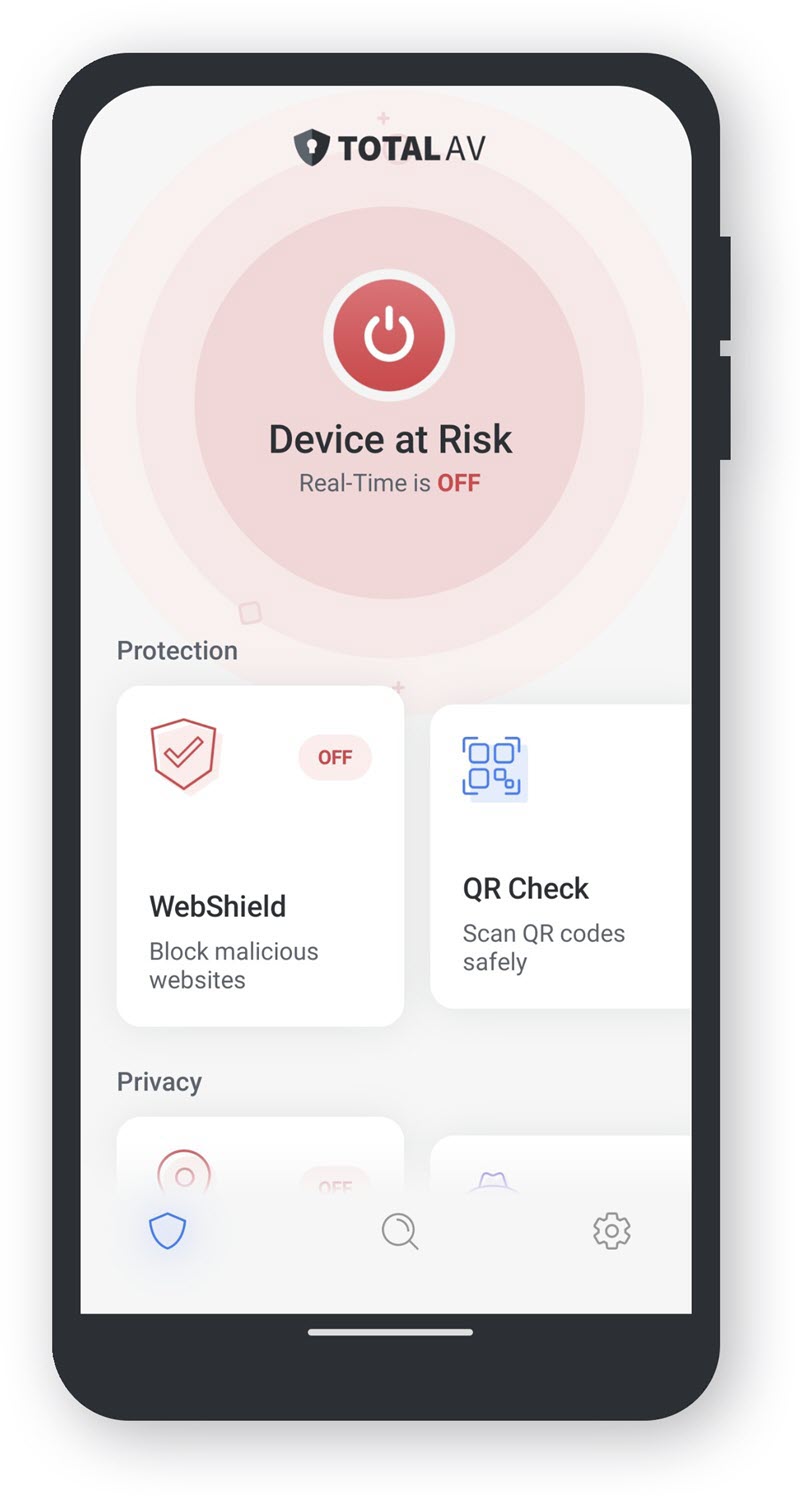
Open TotalAV

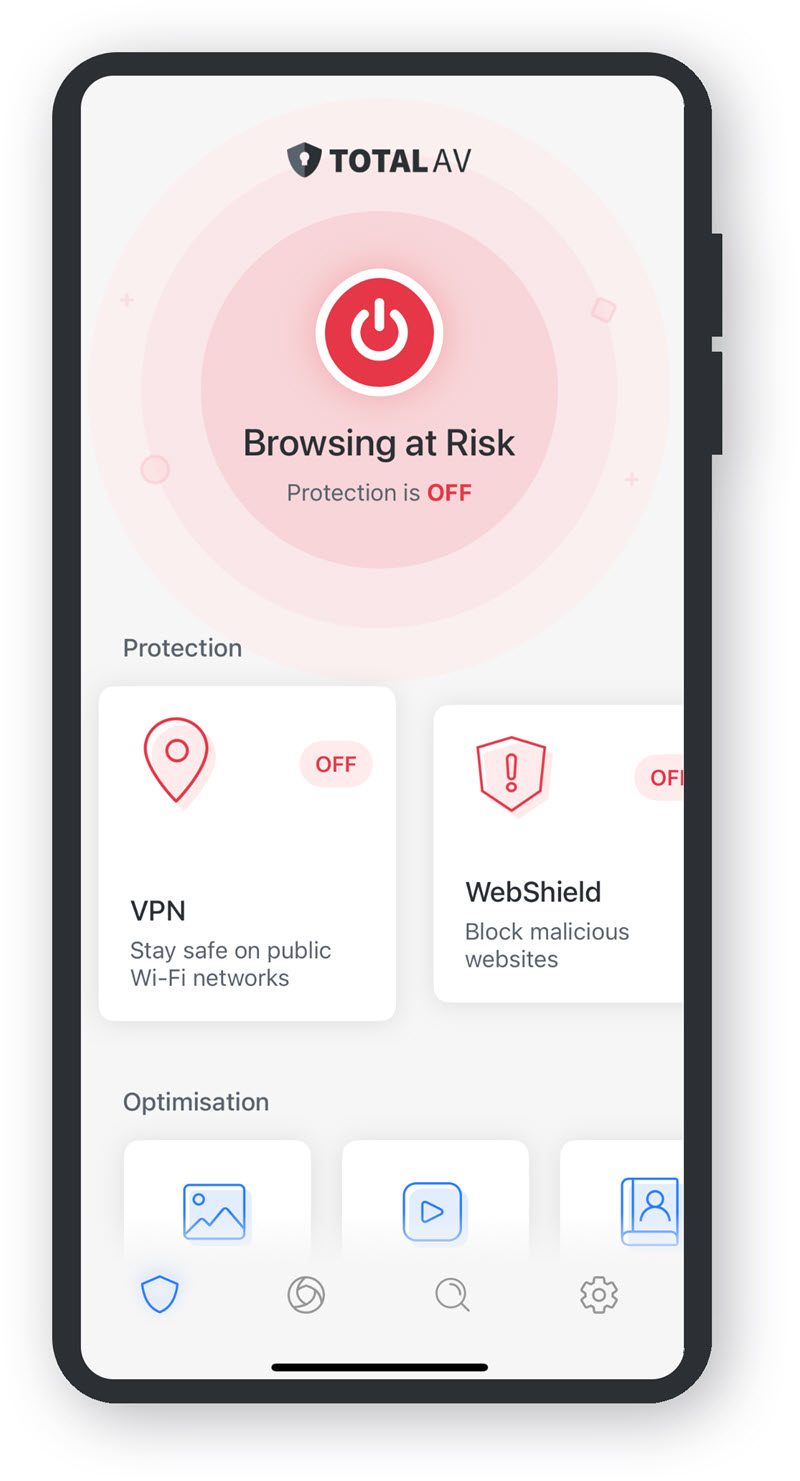
Tap on the TotalAV icon, to open the application.

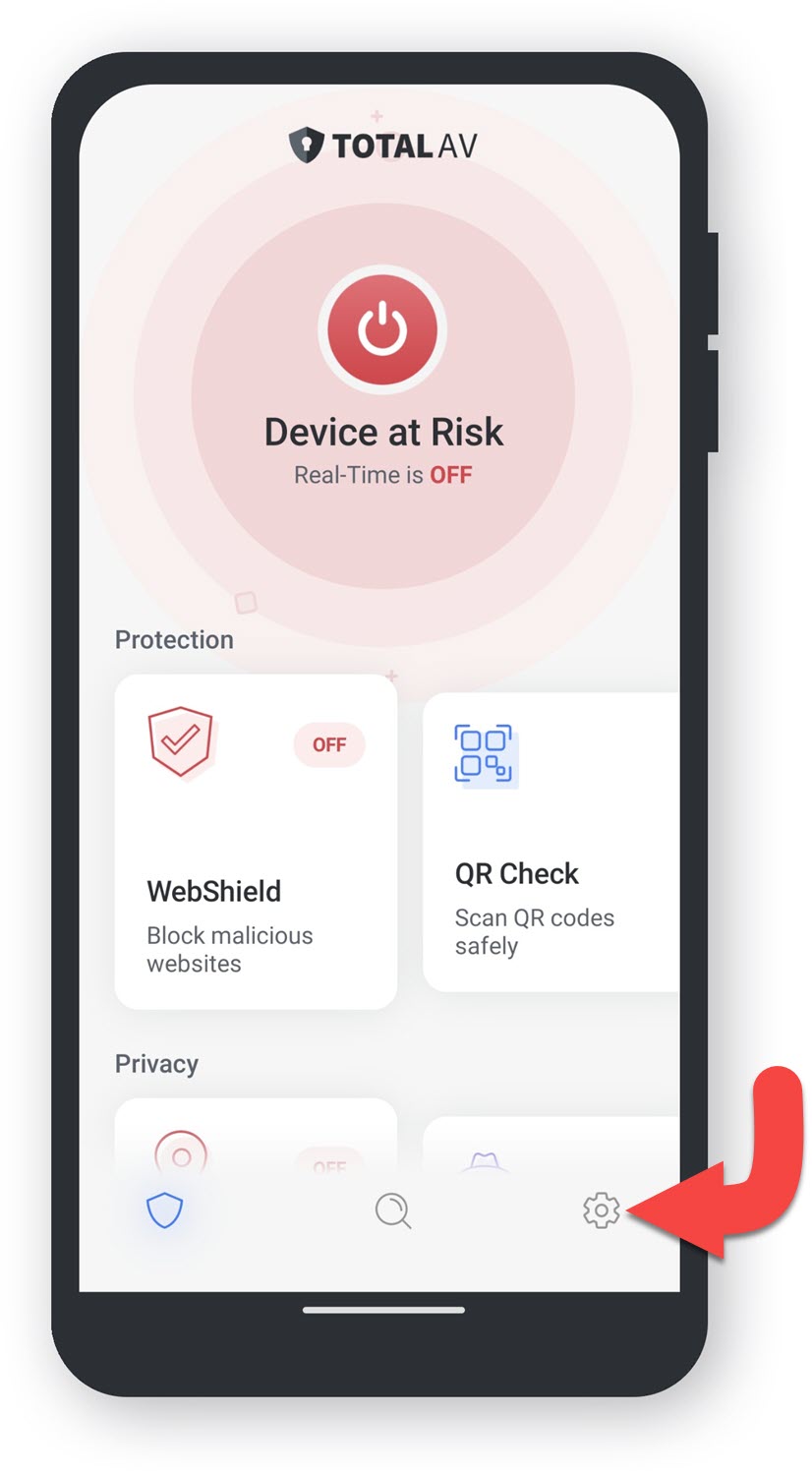
Settings

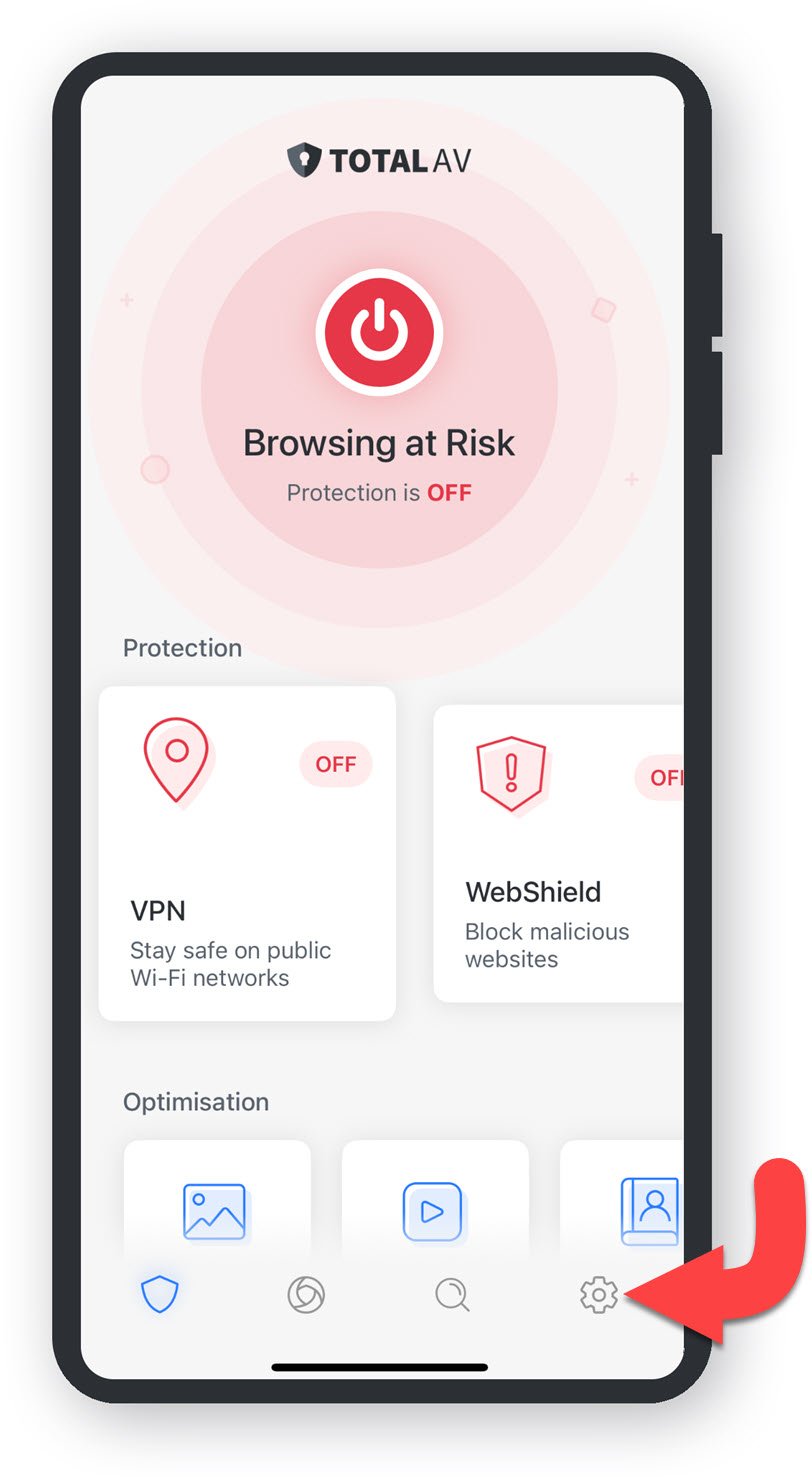
Tap on the Settings icon in the bottom right corner of the application.

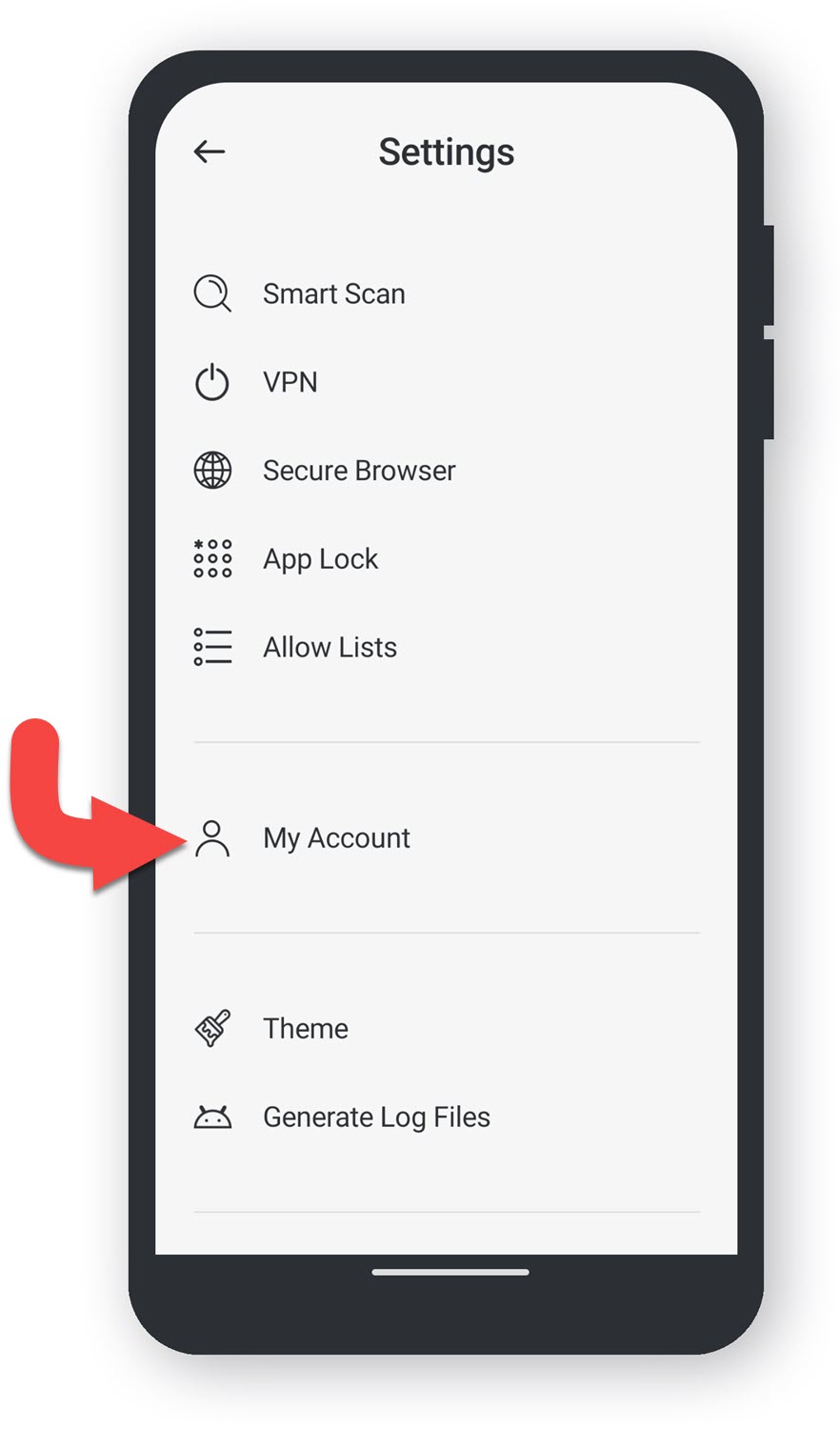
My Account

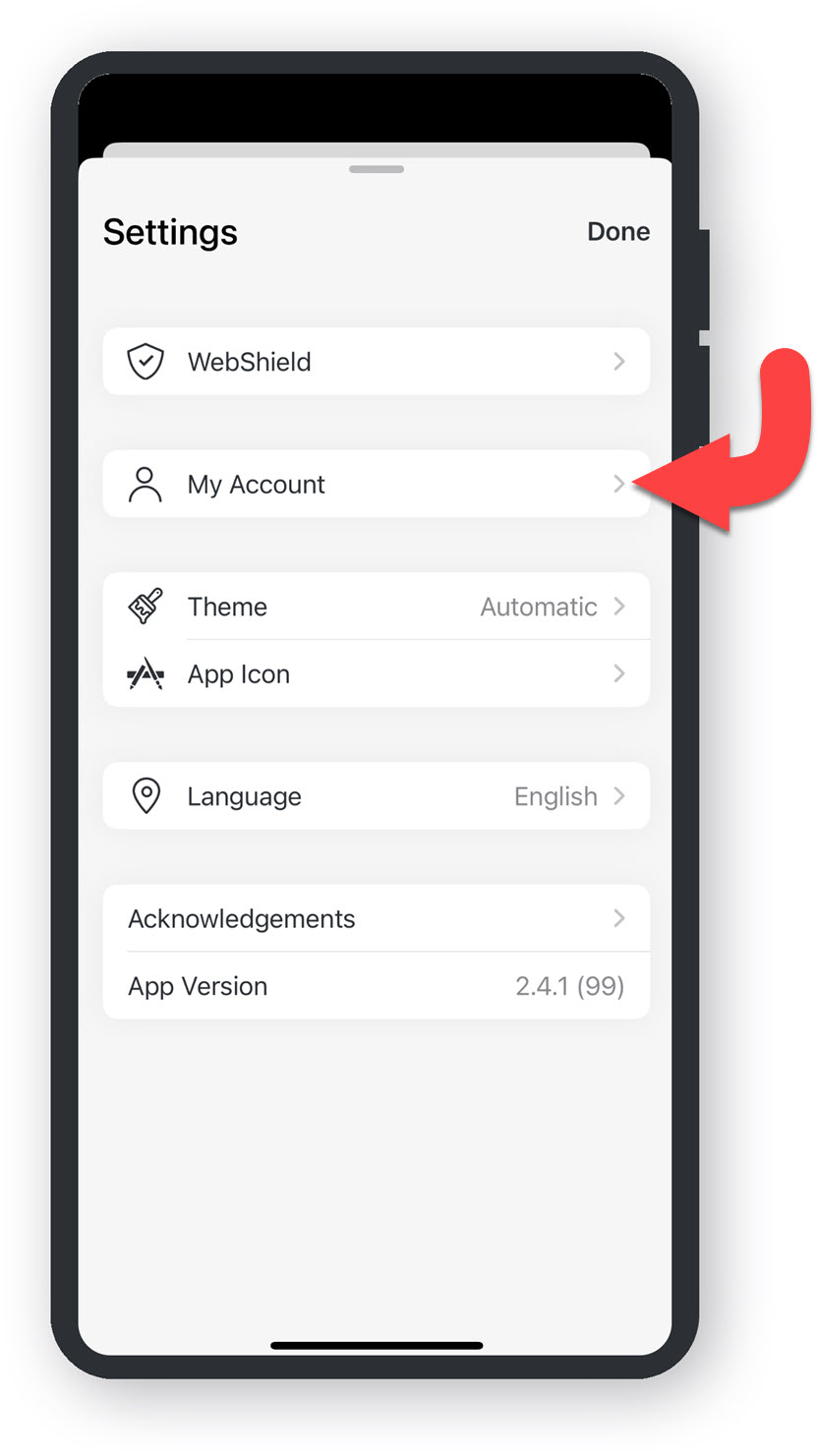
In Settings, tap on My Account to view the account information.

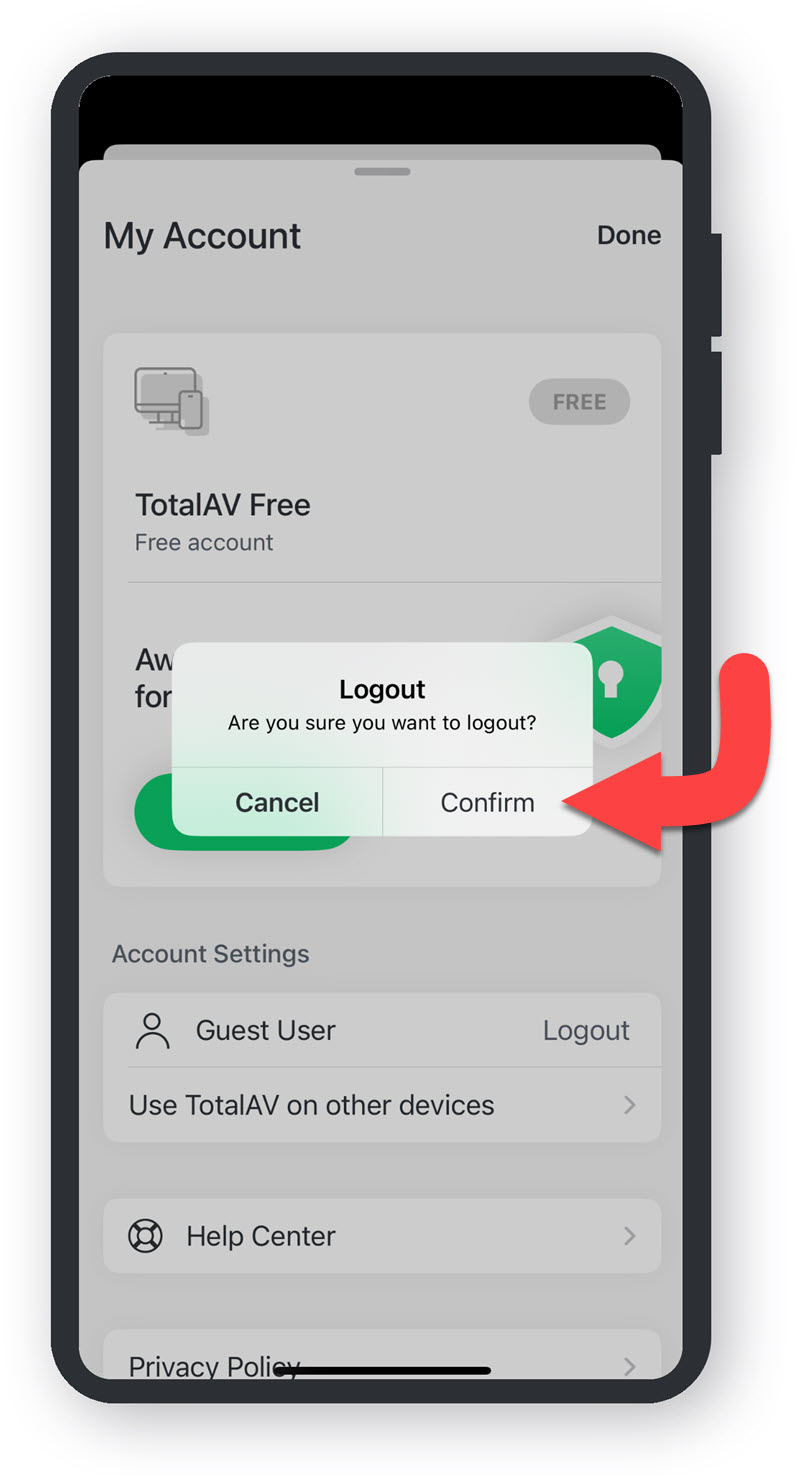
Logout

Tap on Logout in My Account settings.

Confirm

Tap on Confirm.

Login

Enter your User Login details, and tap Log In.

You're Protected

Setup TotalAV and enjoy being protected on your iOS device.

If you are experiencing issues in setting up TotalAV, please head over to our setup article here.

Open TotalAV

Tap on the TotalAV icon, to open the application.

Settings

Tap on the Settings icon in the bottom right corner of the application.

My Account

In Settings, tap on My Account to view the account information.

Login

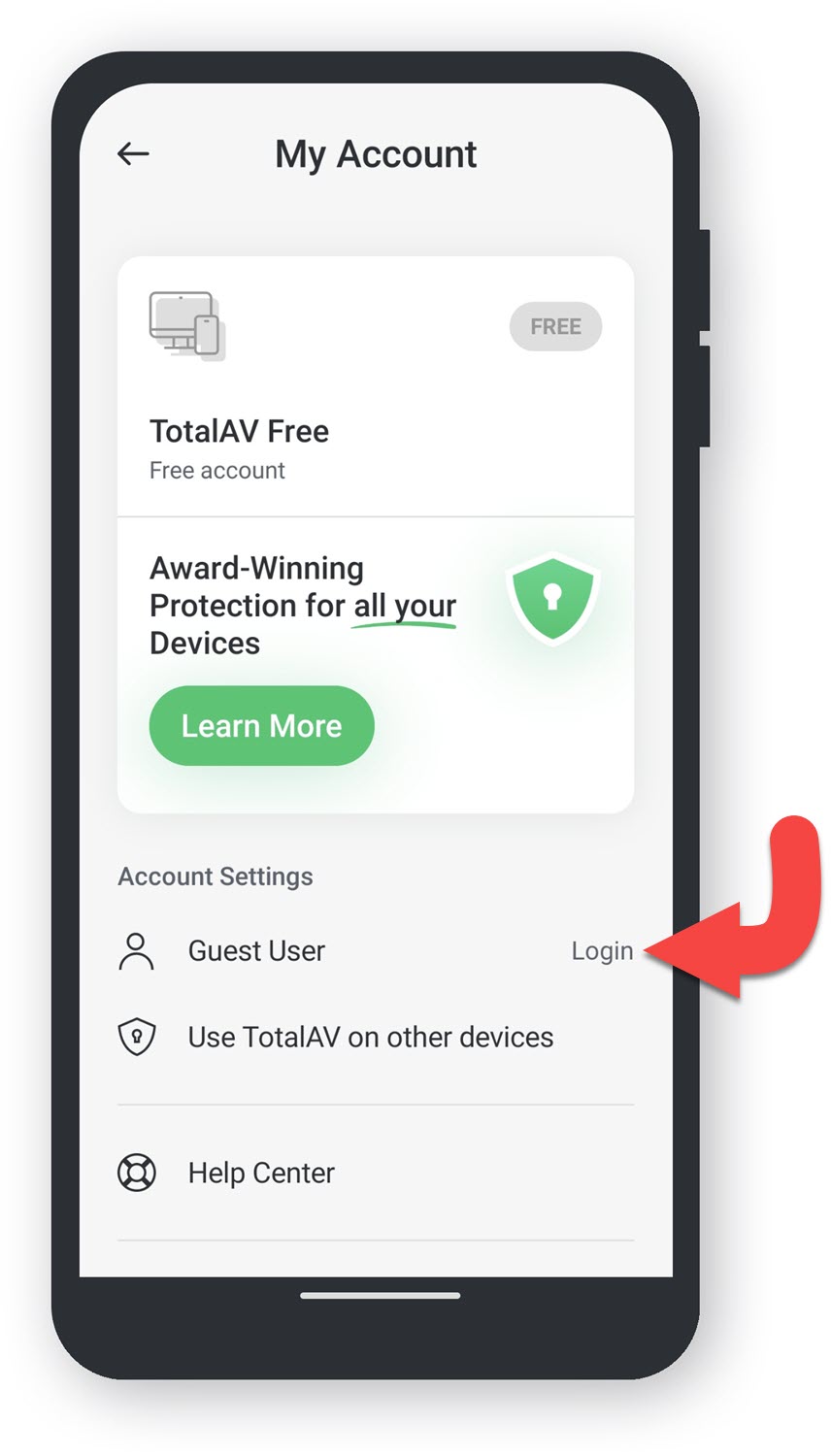
Tap on Login in My Account settings.

Enter Credentials

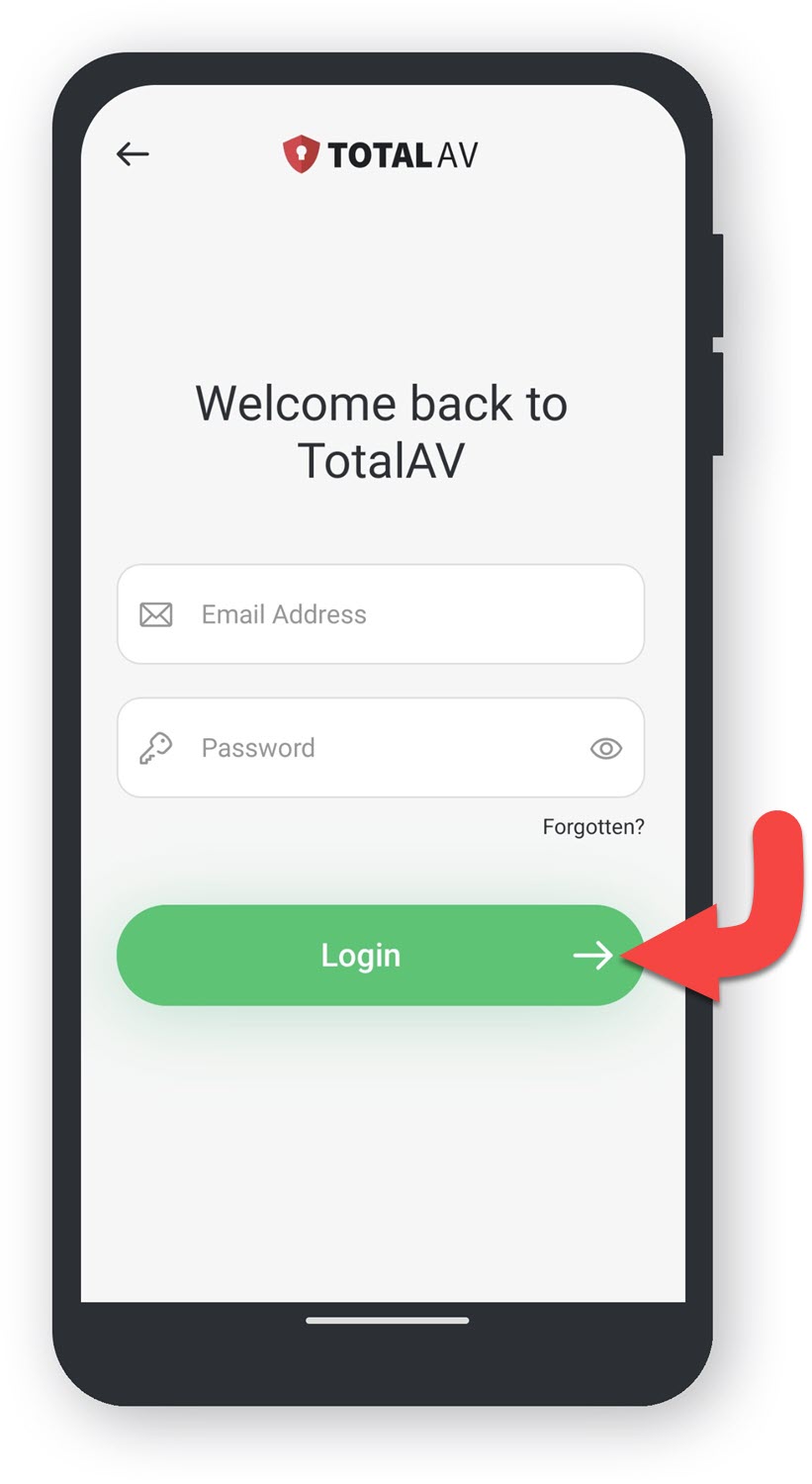
Enter your User Login details, and tap Login.

My Account - Paid

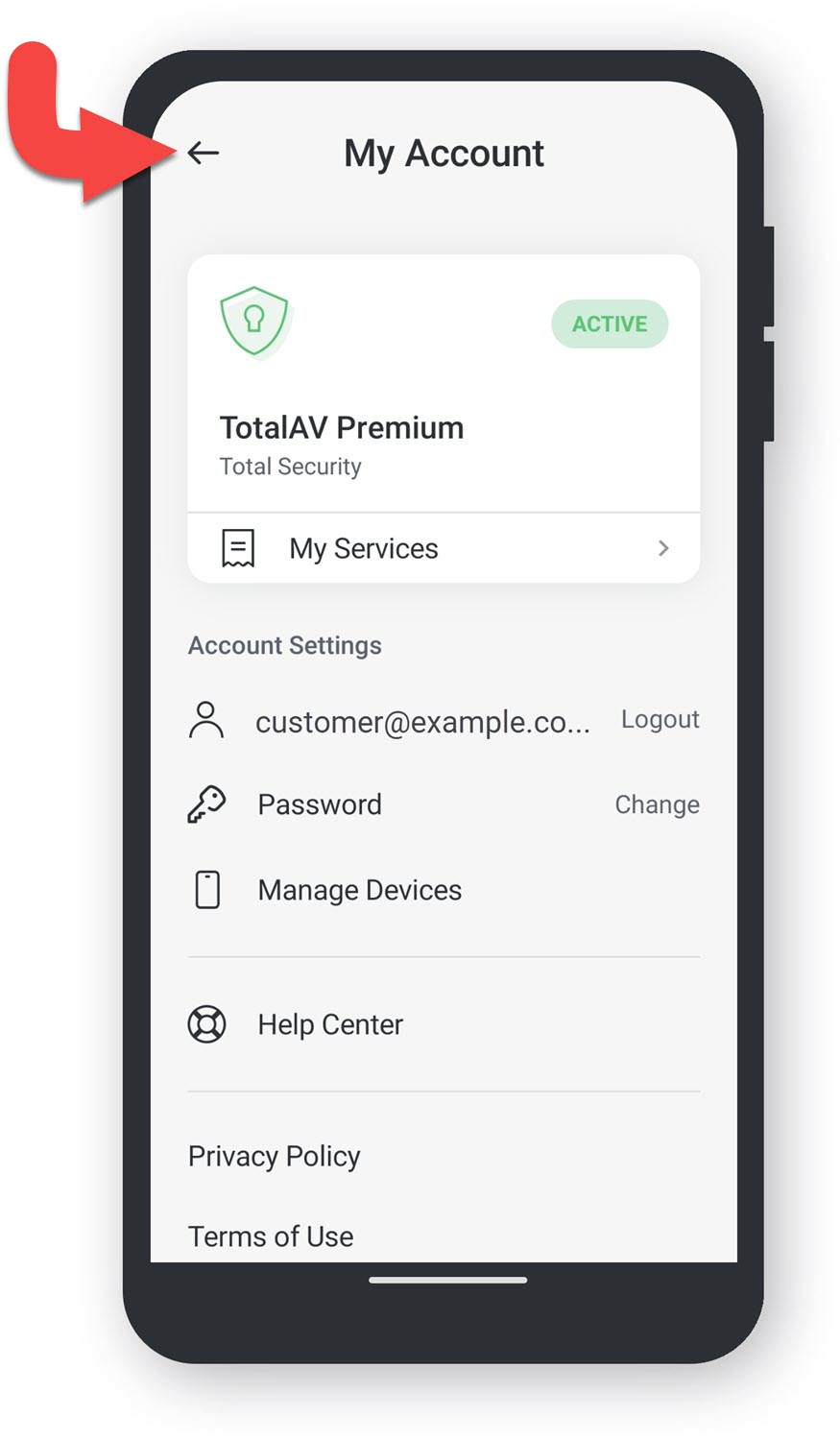
Once you are logged into your Account, tap on the back arrow in the top left corner.

You're Protected

Setup TotalAV, and enjoy being protected on your Android device.

If you are experiencing issues in setting up TotalAV, please head over to our setup article here.

You should now have access to all the features within your premium account.


NOTE: You are not logged into an account. To login please click here.